Music Across Rooms, Designed Around You

One Home. One Soundscape.
A multiroom speaker system connects speakers in different spaces so you can manage music throughout the home. Place Pantheone I in the living room and Obsidian in the kitchen or bedroom, then use the Pantheone App to group them for shared playback or keep them independent. Start with one speaker and add more as your home and listening habits evolve. Each room can have its own sculptural presence, with sound controlled from one app.


Connect to One & Add More
Room-by-Room Control
Use the Pantheone App to group speakers for synchronised music across rooms, adjust their volume, or keep speakers separate for independent listening. Connect them to the same home WiFi network and check coverage wherever you place them. Available playback options depend on the music source and service; some services limit simultaneous independent streams.


Your Sound, Your Way
True Stereo Pairing
Stereo pairing assigns one speaker to the left channel and another to the right, creating a wider soundstage within one room. Use the Pantheone App to configure two Pantheone I speakers, two Obsidian speakers, or a Pantheone I and Obsidian together as a left and right pair. Place them with space between them and consider your listening position. Multiroom grouping serves a different purpose: it brings the same music to speakers in different rooms. Choose the arrangement that suits how and where you listen.
Elevated Listening


Works with AirPlay 2 & Amazon Alexa
Stream from a compatible Apple device using AirPlay 2, or enable Amazon Alexa for supported voice controls. The Pantheone App provides speaker setup and grouping controls. Service availability and Alexa features vary by region, and some music services require a subscription. Choose the connection and service that suit your everyday listening.
How to Set Up Pantheone Multiroom
Download the Pantheone App for iOS or Android. Power on each speaker and follow the app’s setup instructions to connect it to the same home WiFi network. Name speakers by room so they are easy to recognise, then use the app’s grouping controls to bring them together for shared playback. Choose a supported music source and adjust the volume for each space. For separate listening, keep the speakers ungrouped.
Multiroom Questions, Answered
Can Pantheone I and Obsidian work together in a multiroom system?
Yes. Connect Pantheone I and Obsidian to the same home WiFi network and manage them in the Pantheone App. You can group the speakers to play the same music across rooms or keep them separate for independent listening.
Can I play different music in different rooms?
Yes. Keep speakers ungrouped to choose music independently for each space. Available options depend on the source and service, and some subscriptions limit the number of simultaneous streams. Group speakers when you want the same music across rooms.
What is the difference between multiroom and stereo pairing?
Multiroom grouping plays the same music across speakers in different spaces. Stereo pairing assigns two speakers as left and right channels within one room. Pantheone I and Obsidian can be configured together as a left and right stereo pair, or grouped for multiroom listening.
Do I need WiFi for Pantheone multiroom listening?
Yes. Use the same home WiFi network for app-managed multiroom grouping, with reliable coverage in each room. Bluetooth is also available for listening directly to a speaker, but a Bluetooth connection alone is not the WiFi multiroom setup described here.
Do wireless speakers still need power?
Yes. Wireless describes how audio reaches the speaker. Pantheone I connects to mains power. Obsidian can be used plugged in or on its rechargeable battery, with up to 15 hours of listening depending on use. Battery operation still requires WiFi coverage for multiroom listening.
Can I start with one speaker and add more later?
Yes. Start with a Pantheone I or Obsidian and add further Pantheone speakers as you need them. Set up each additional speaker on the same home WiFi network through the Pantheone App, then choose whether to group it or use it independently.
You May Also Like
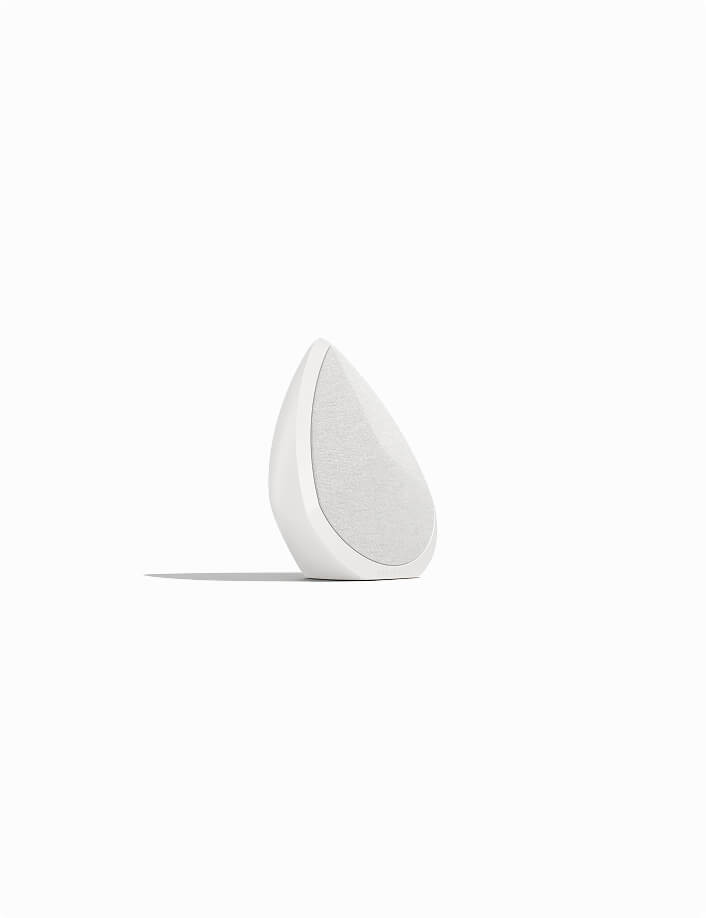



Obsidian - White
- Regular price
- $1,950
- Regular price
-
- Sale price
- $1,950


Pantheone I - Black
- Regular price
- $3,950
- Regular price
-
- Sale price
- $3,950


Obsidian Sage - Limited Edition
- Regular price
- $1,999
- Regular price
-
- Sale price
- $1,999


Pantheone I - White
- Regular price
- $3,950
- Regular price
-
- Sale price
- $3,950

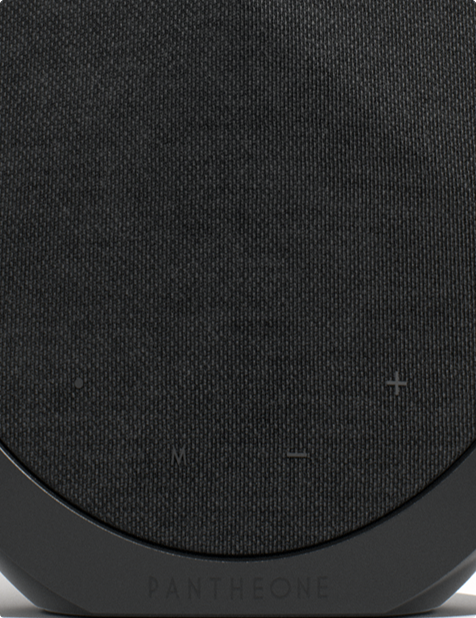
Obsidian - Black
- Regular price
- $1,950
- Regular price
-
- Sale price
- $1,950

Stereo Set - Black
- Regular price
- $3,599
- Regular price
-
- Sale price
- $3,599

Stereo Set - White
- Regular price
- $3,599
- Regular price
-
- Sale price
- $3,599

Obsidian Sage Set - Limited Edition
- Regular price
- $3,660
- Regular price
-
- Sale price
- $3,660

Set Deal - Black
- Regular price
- $5,310
- Regular price
-
- Sale price
- $5,310

Set Deal - White
- Regular price
- $5,310
- Regular price
-
- Sale price
- $5,310
Designed for Architects & Interior Designers
Plan sound alongside furniture, lighting and art. Pantheone I brings a larger sculptural presence to living spaces, while Obsidian offers a compact form for consoles, shelves and smaller rooms. Their enclosures are made from high-density mineral composite, cast and finished by hand. Consider scale, nearby surfaces, WiFi coverage and power access when choosing placement, so each speaker feels considered within the interior and supports the way the room is used.